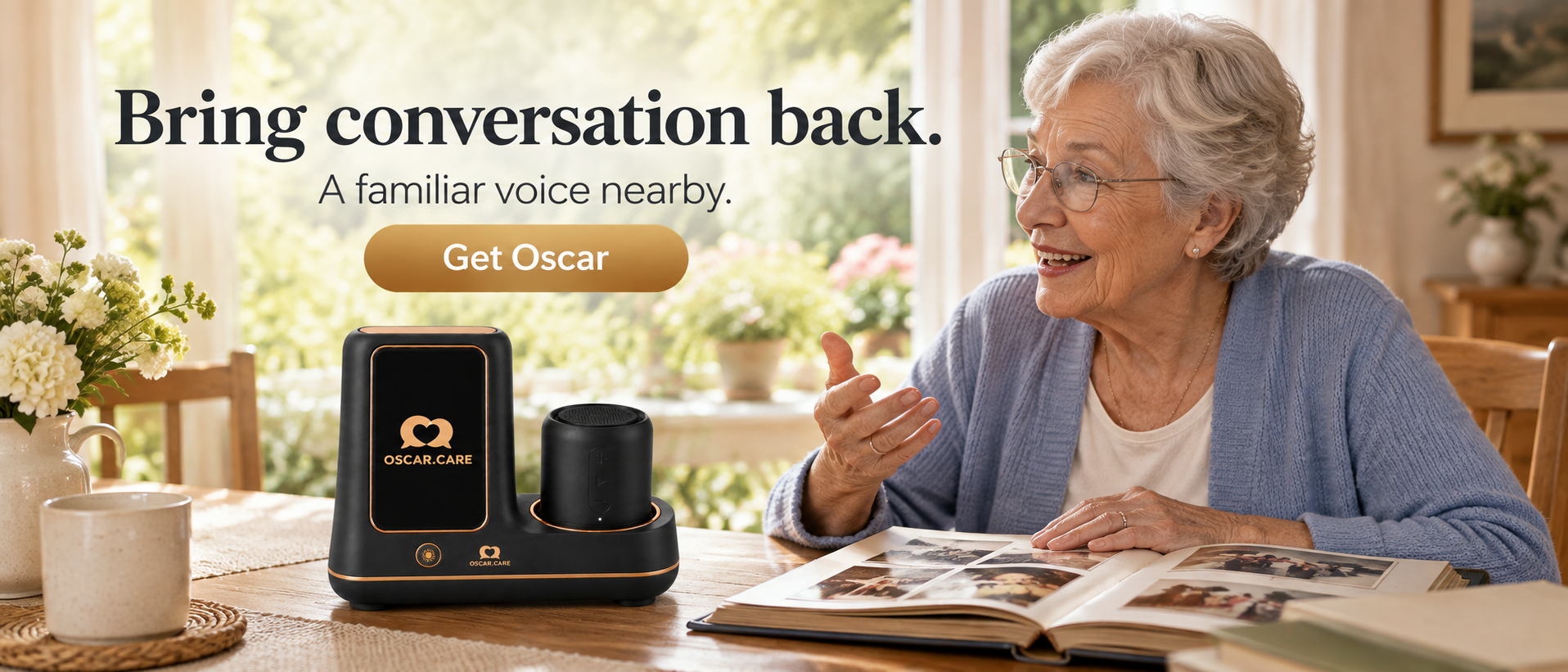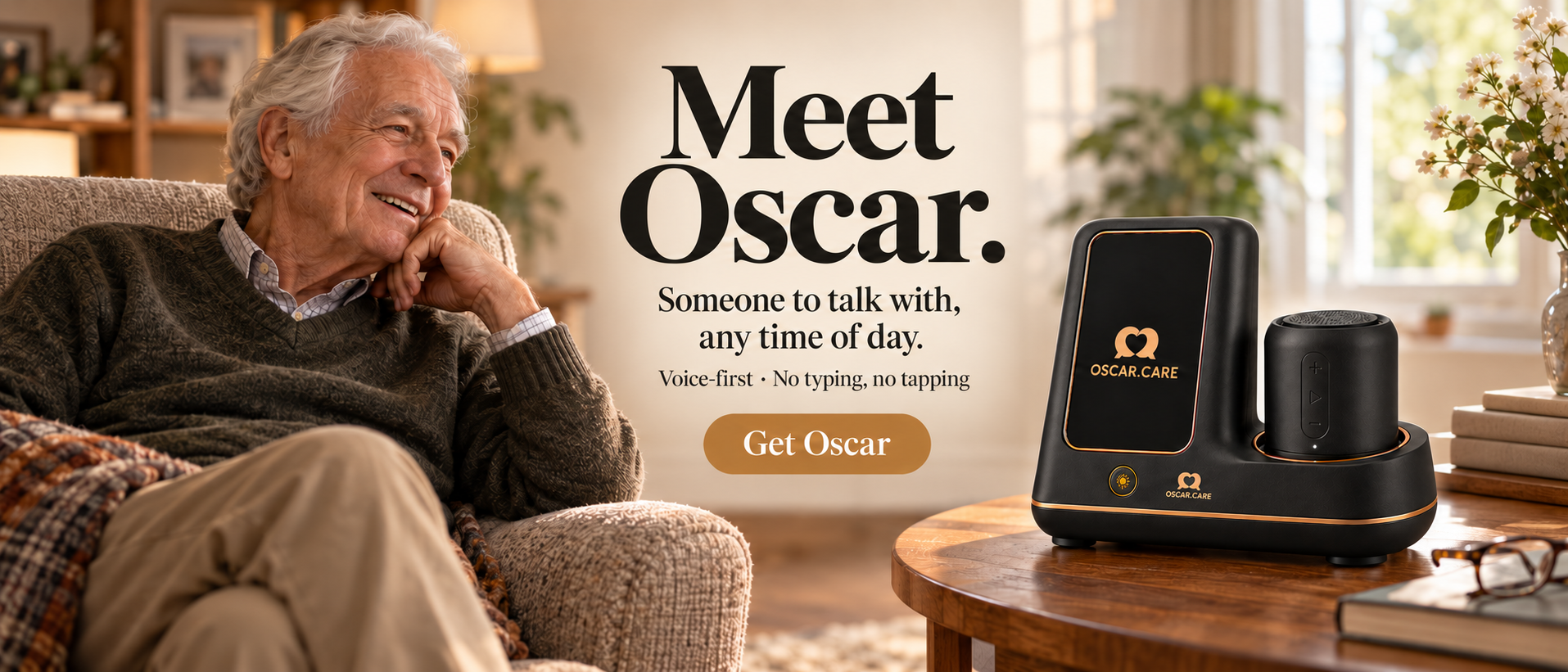

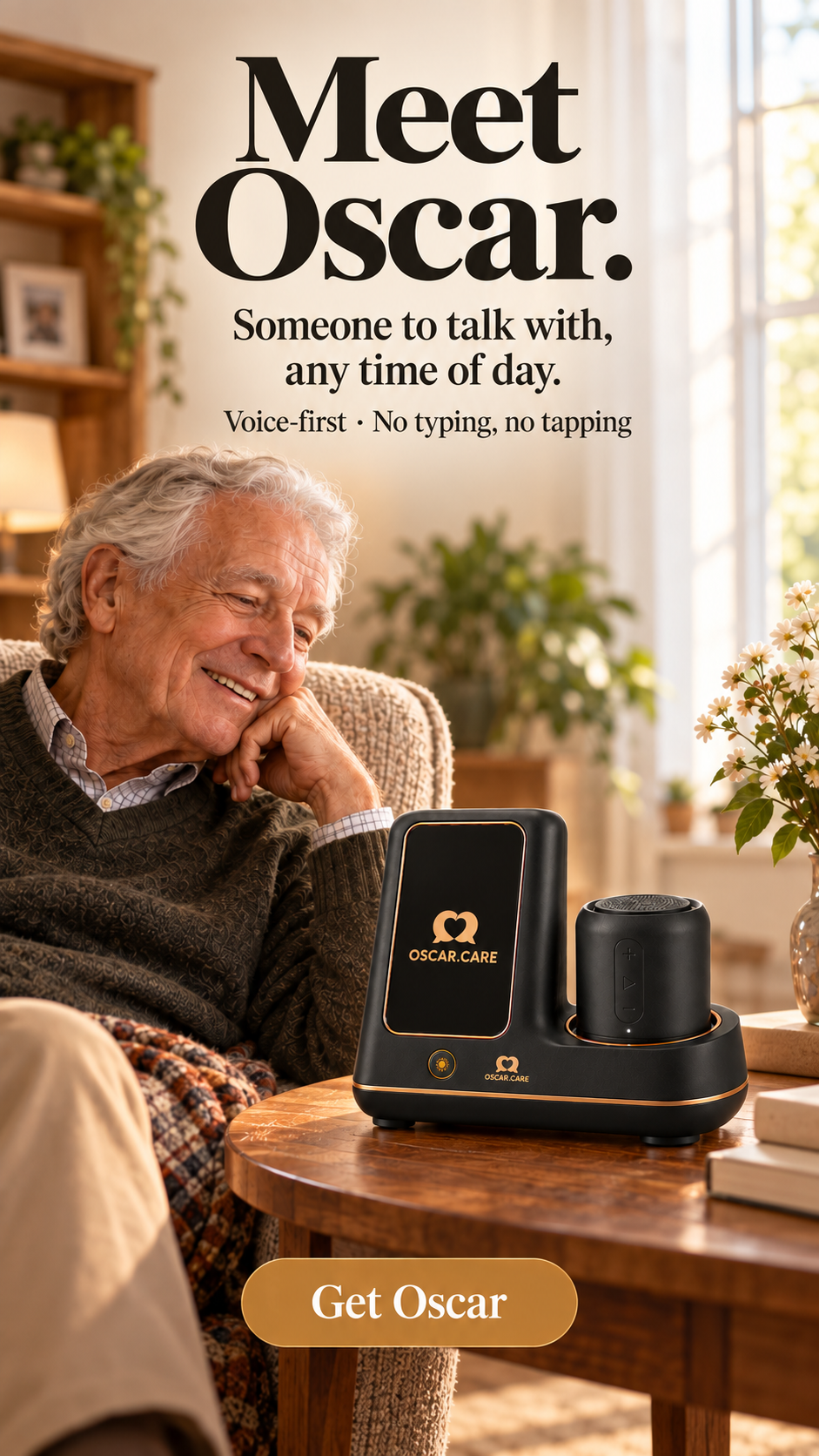
At home, Oscar settles into the everyday — the radio, the armchair, a familiar voice nearby.
Plays quietly on its own. Press Sound on to hear Oscar.
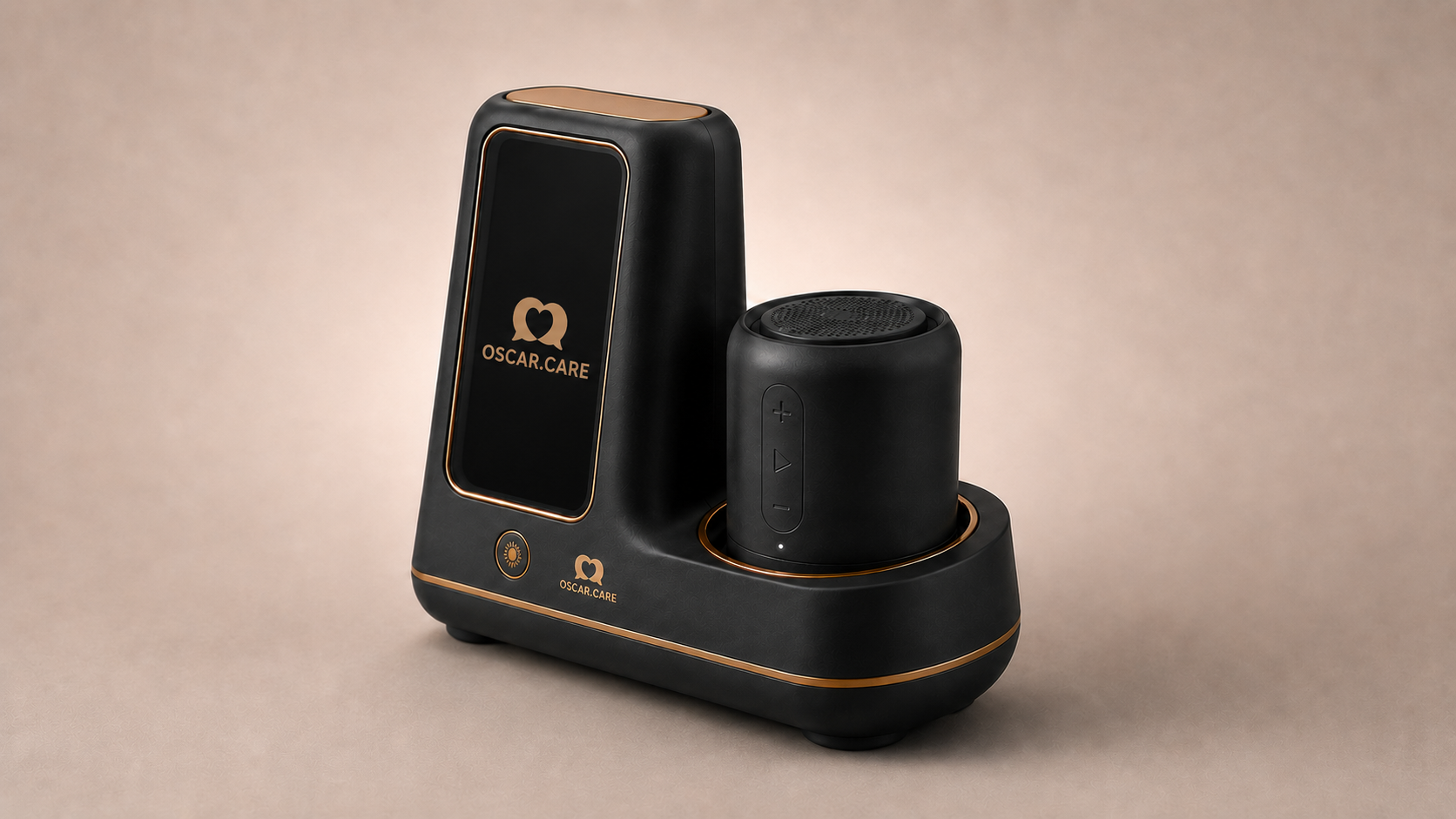
Meet Oscar
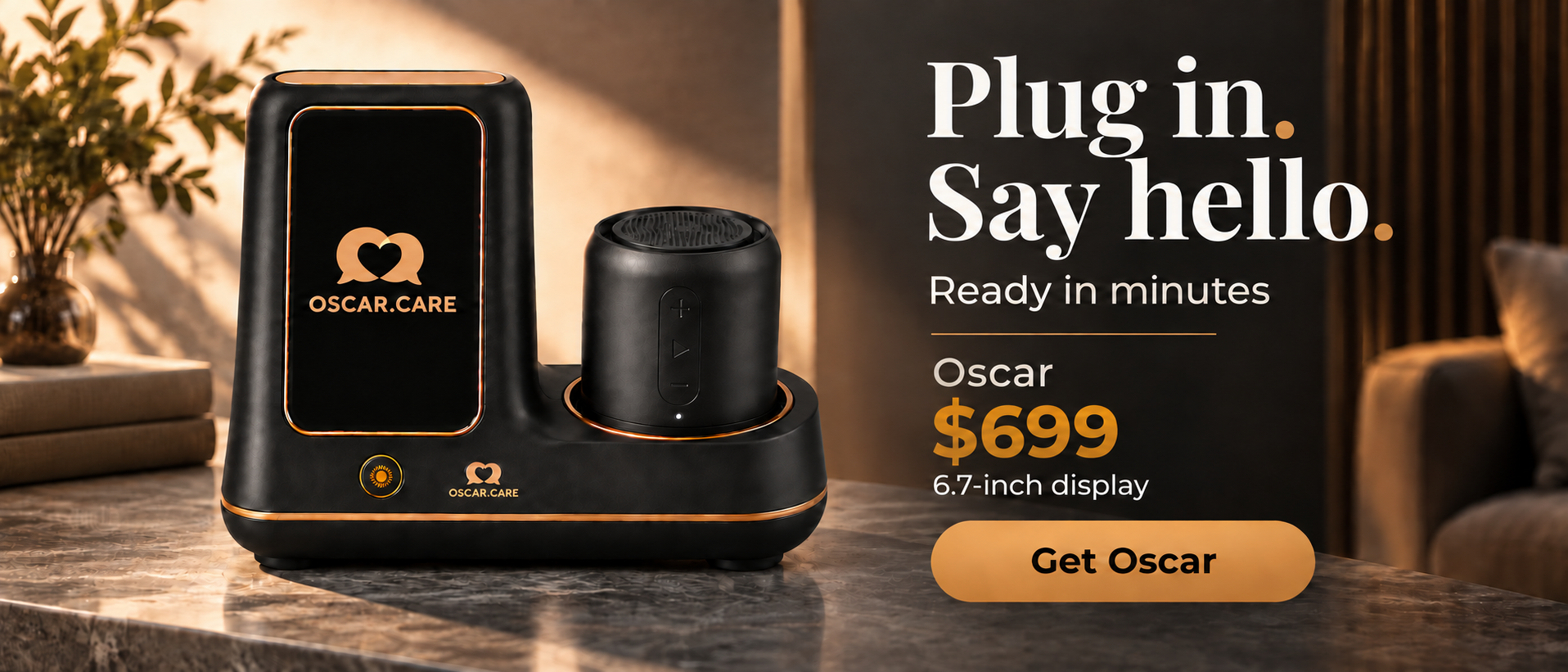
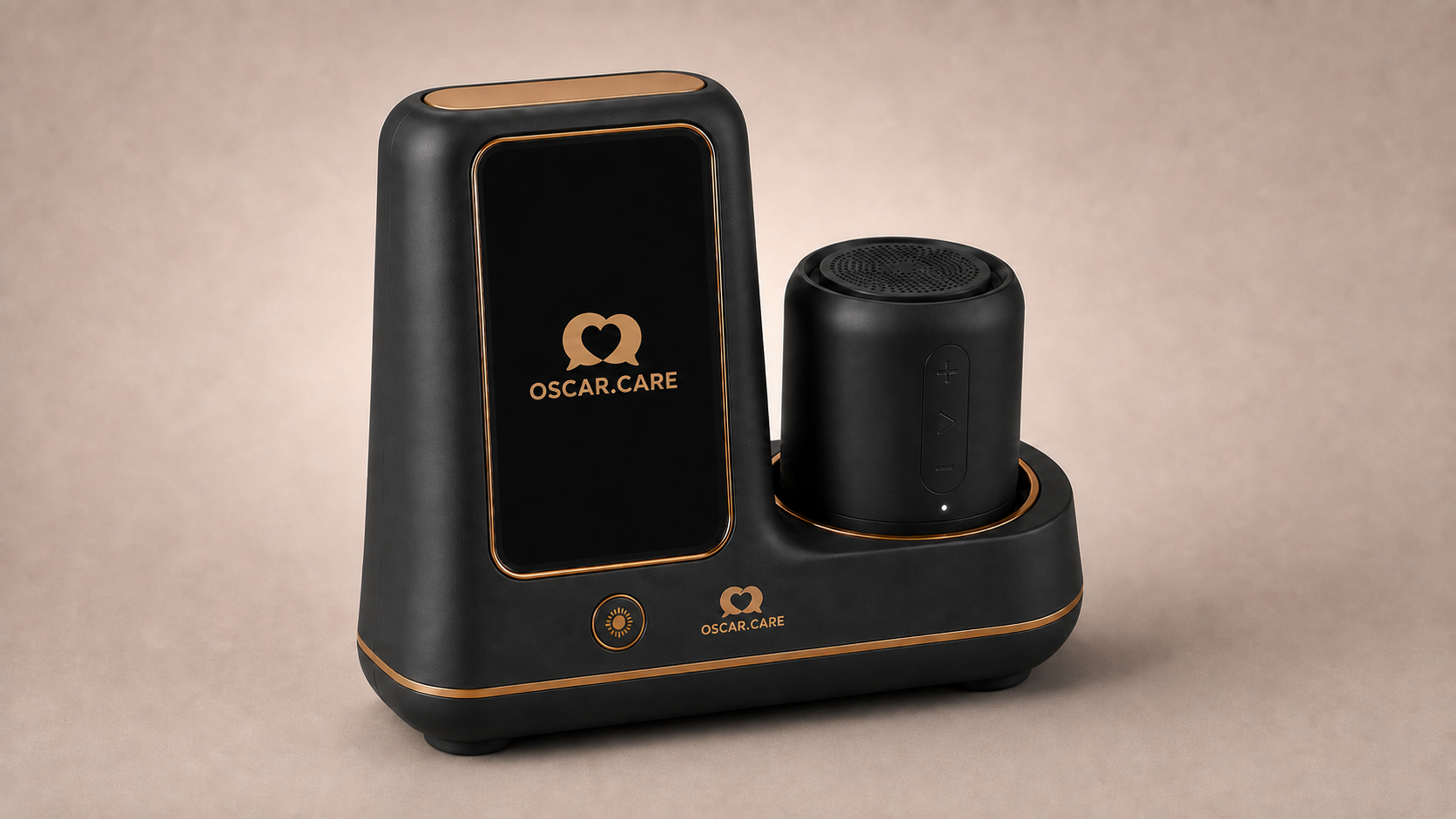
01 — Display
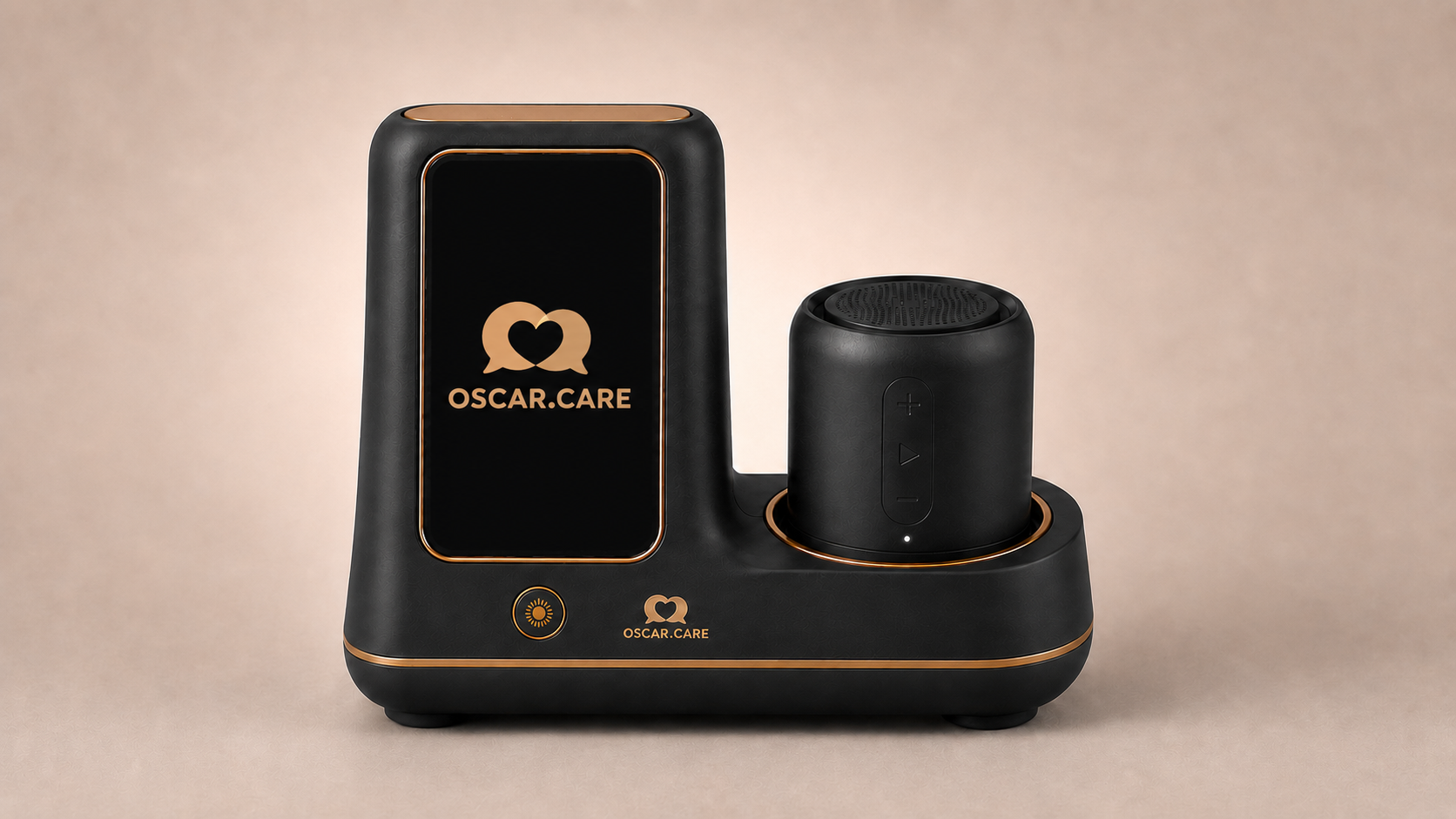
A glowing display shows only the Oscar mark until someone is speaking — never a menu, never small print.
02 — Companion body
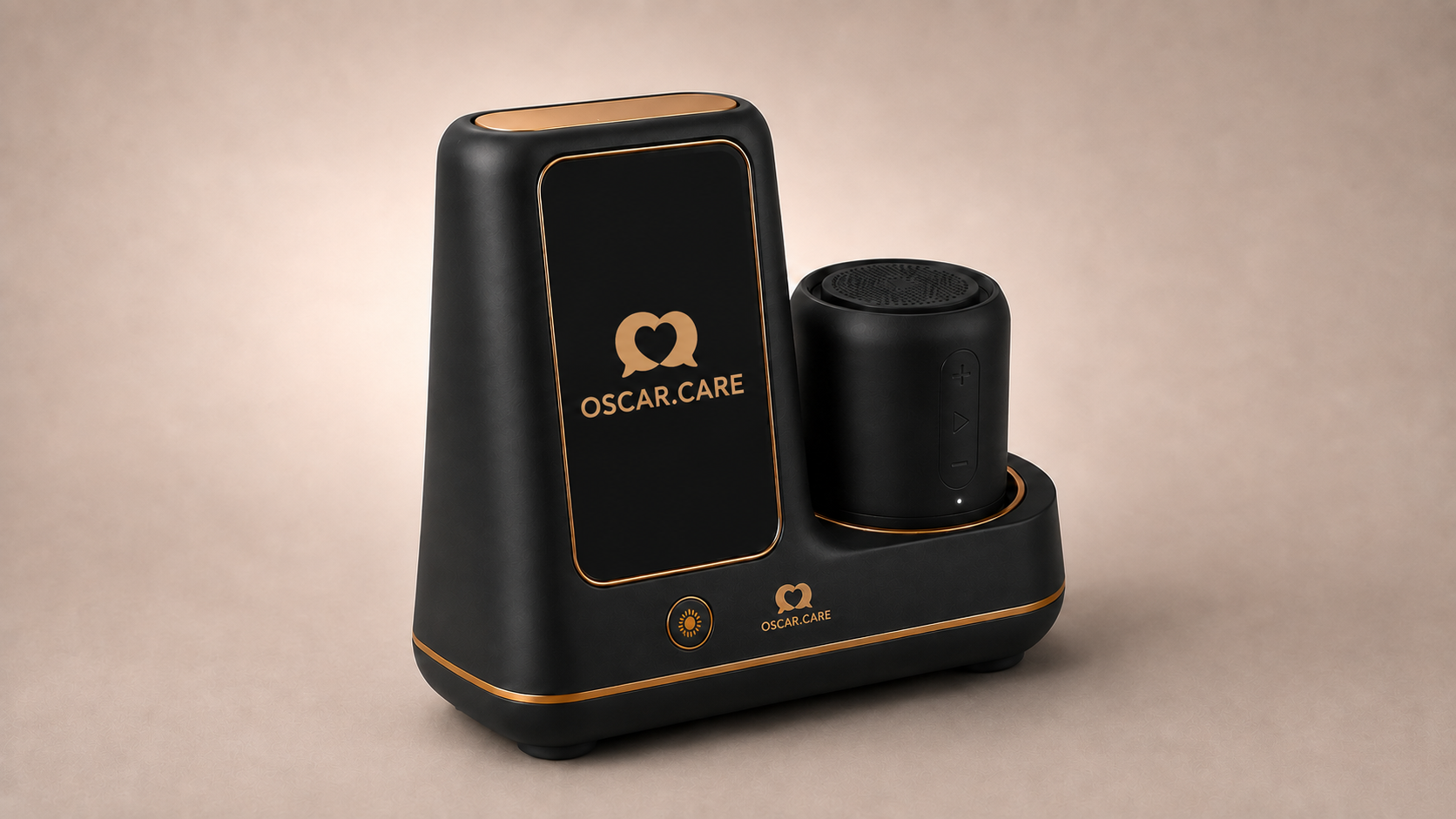
A weighted, wedge-shaped base keeps Oscar steady on any sideboard, with a single friendly button for hello.
03 — Detachable speaker
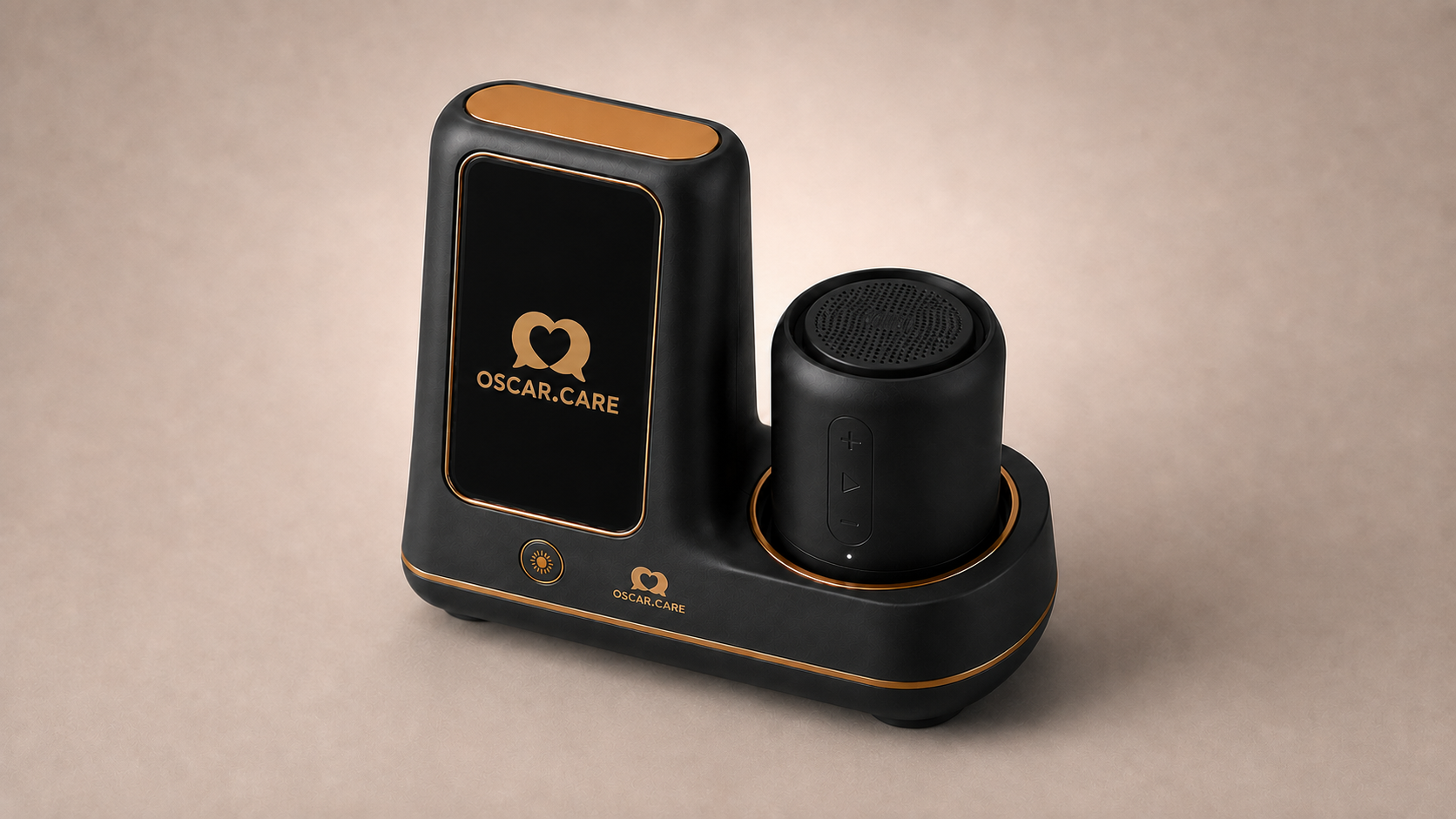
The speaker undocks and travels — kitchen, garden, bedside — while staying paired to Oscar the whole time.
Made to last
A hand-finished copper-gold pinstripe traces every edge — warm to the touch, built to age well.
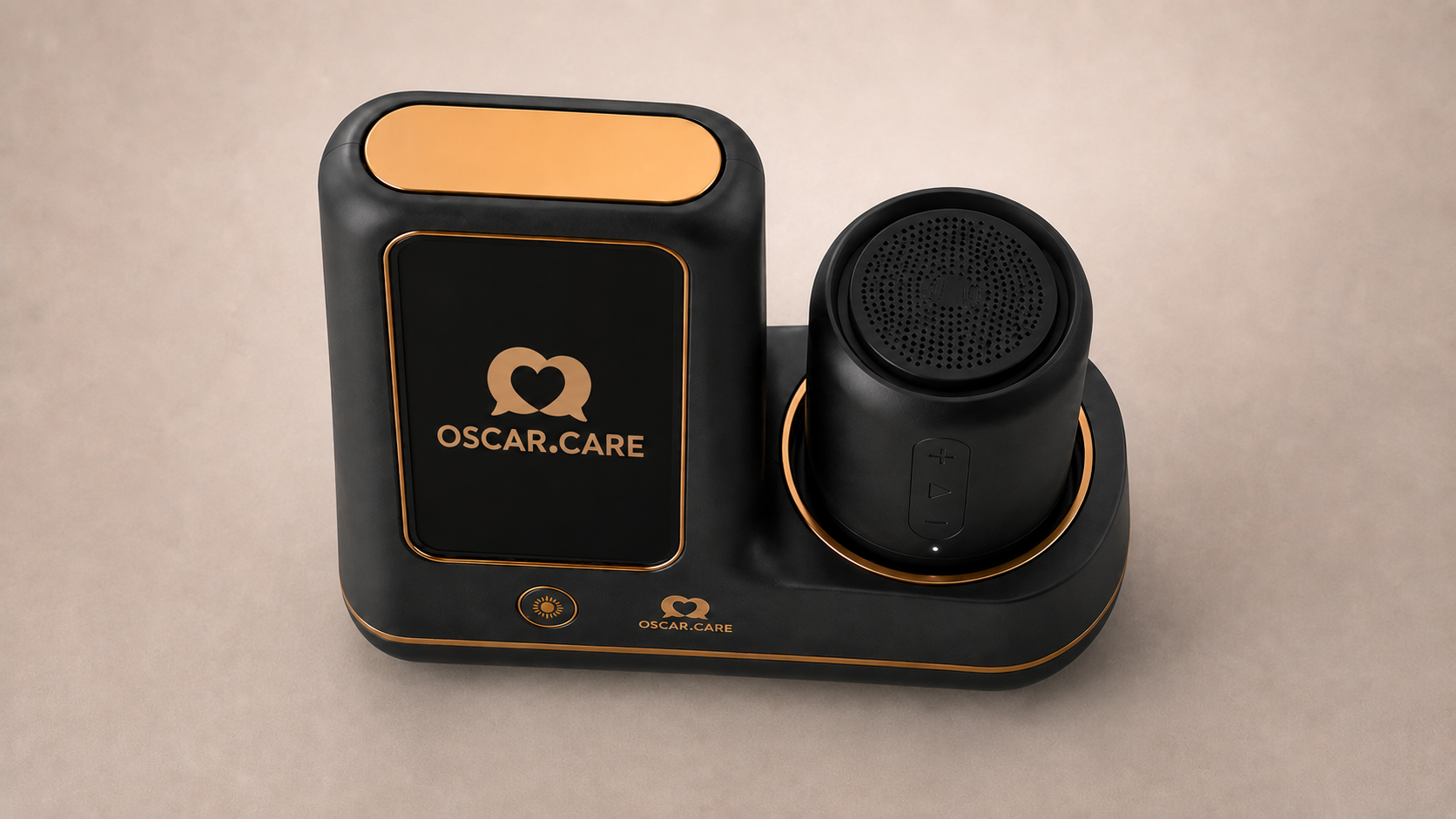
The speaker grille is precision-perforated for full, rounded sound, ringed in the same copper.
How Oscar helps
From the first hello to goodnight. No screens to read, no buttons to find — just talking.

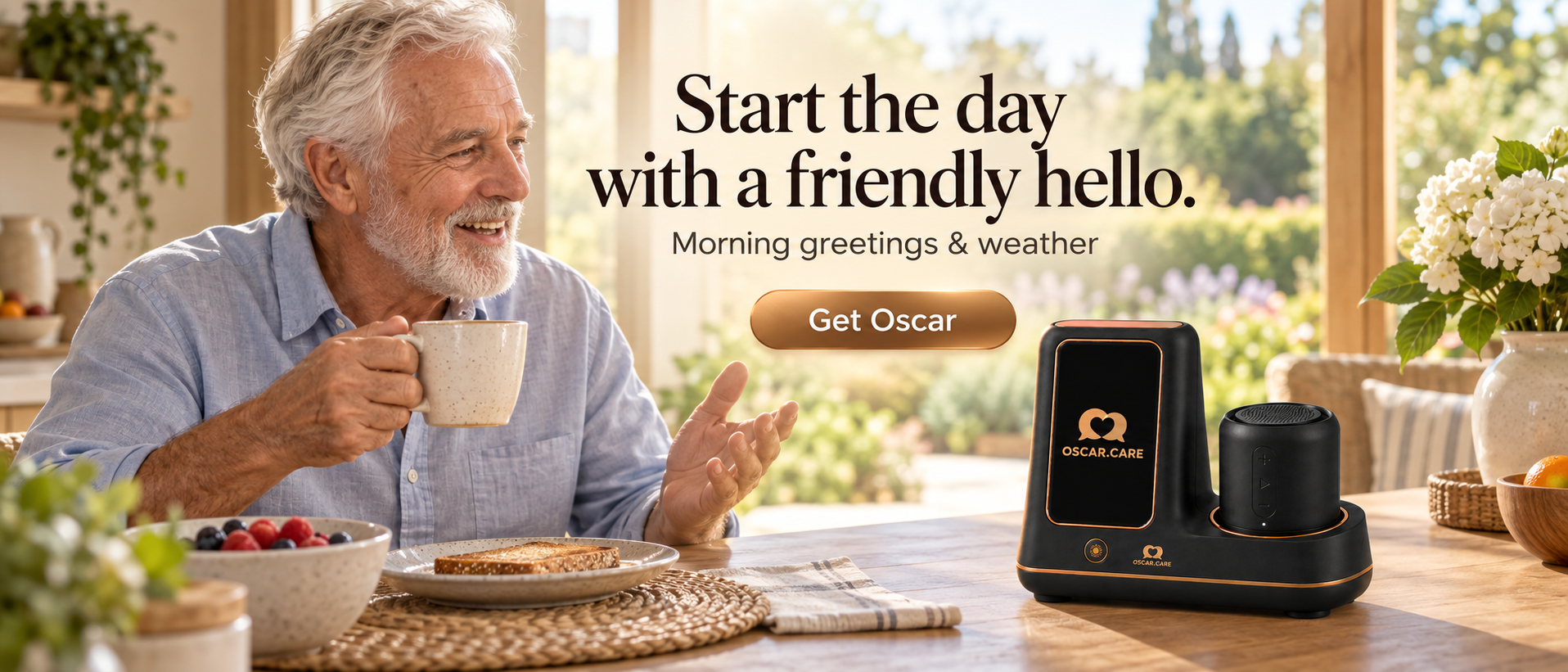
Sunrise
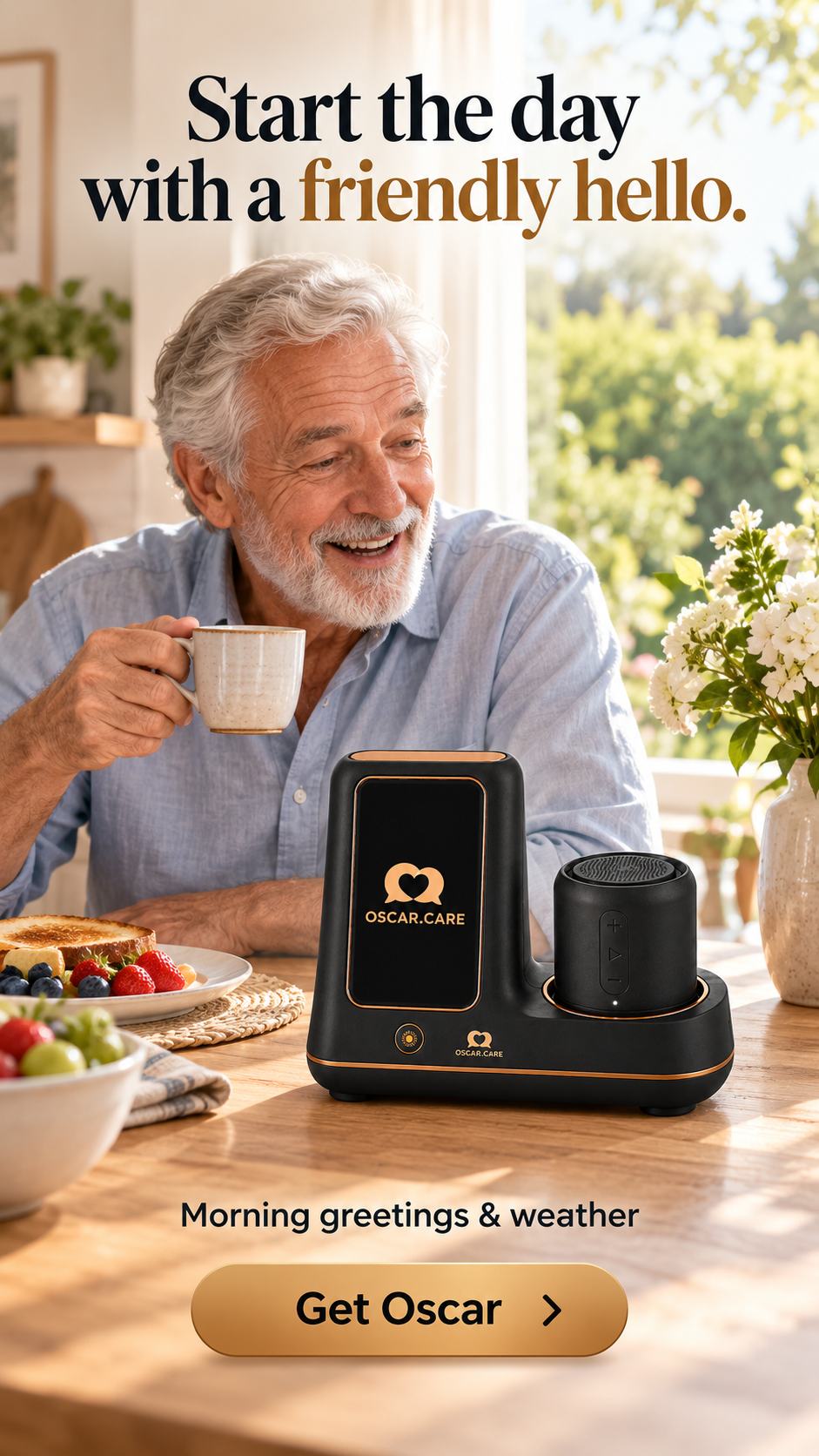
Oscar starts the day with a friendly hello and the forecast. A quiet word about the rain, so the walk can wait until after lunch.
Mid-morning
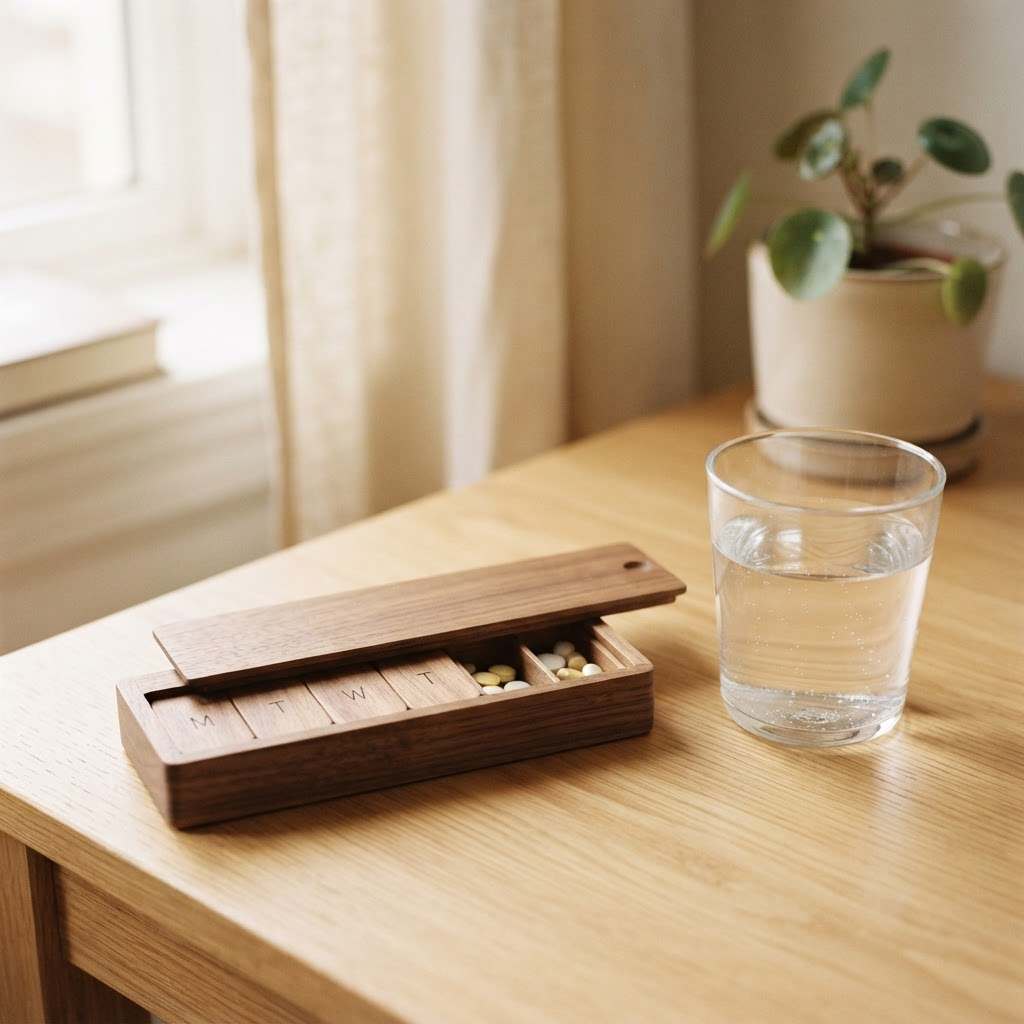
A gentle reminder at exactly the right moment — and a calm confirmation when it is done. Nothing is repeated needlessly, nothing is forgotten.

Midday
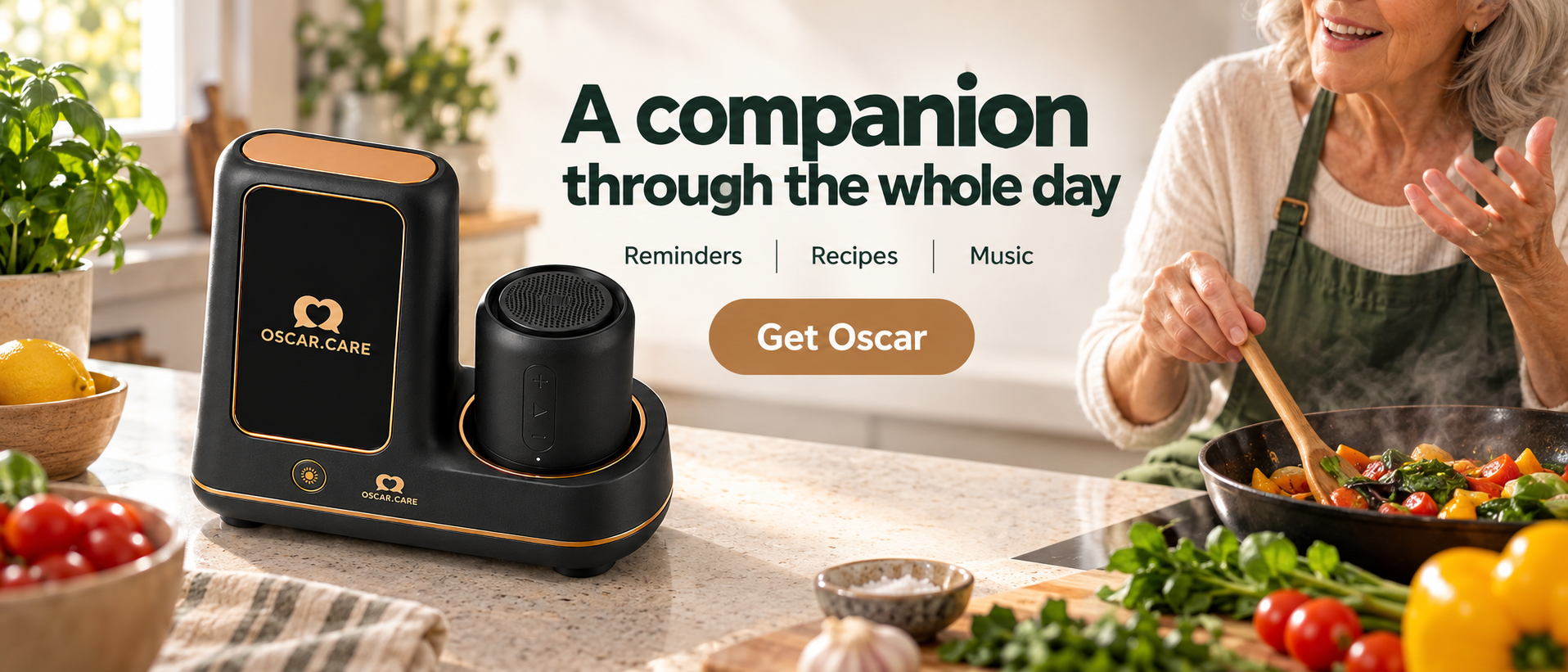
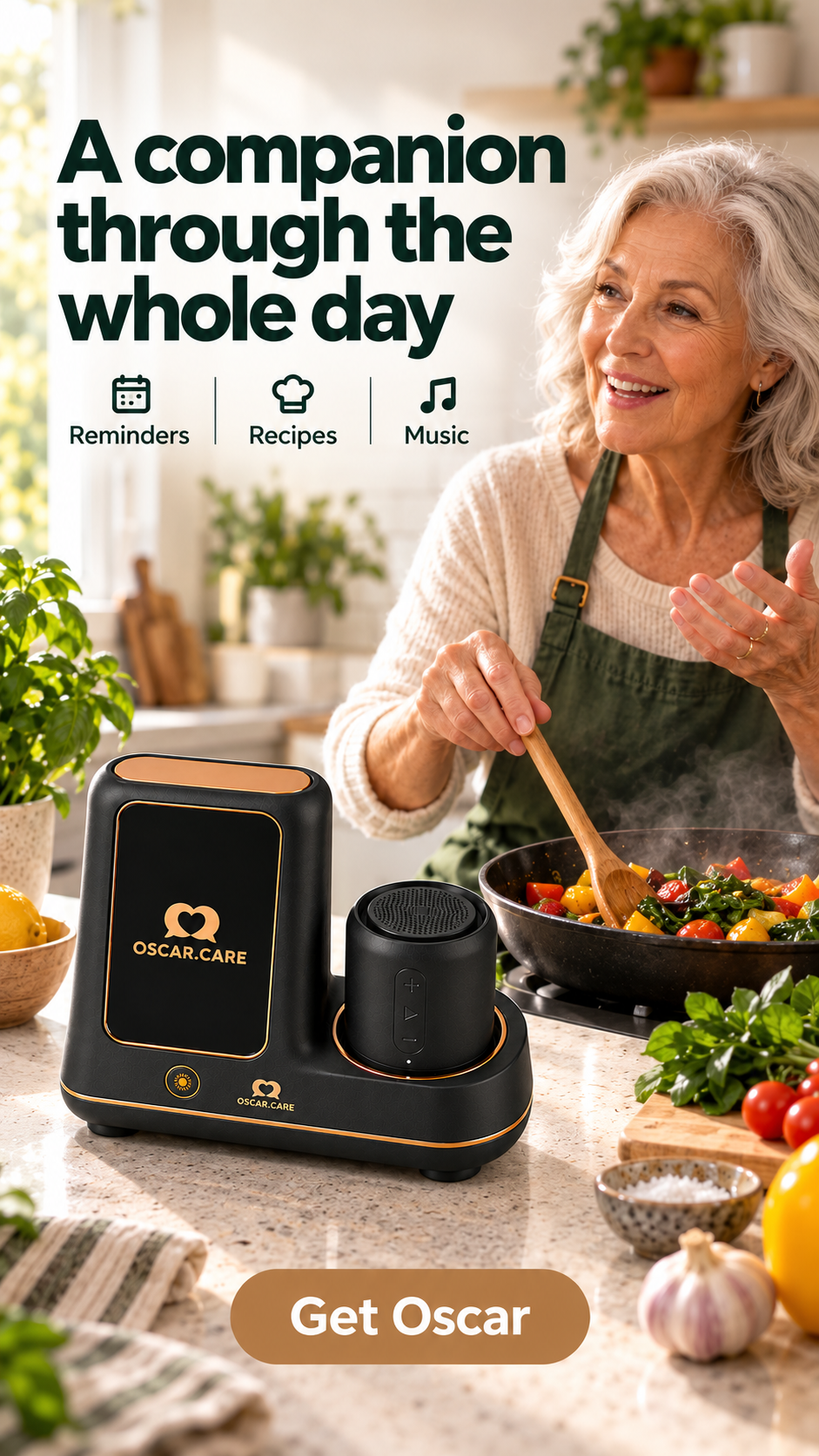
Recipes read aloud step by step, gardening tips, and more. Oscar waits for the pan, not the other way around.

Afternoon
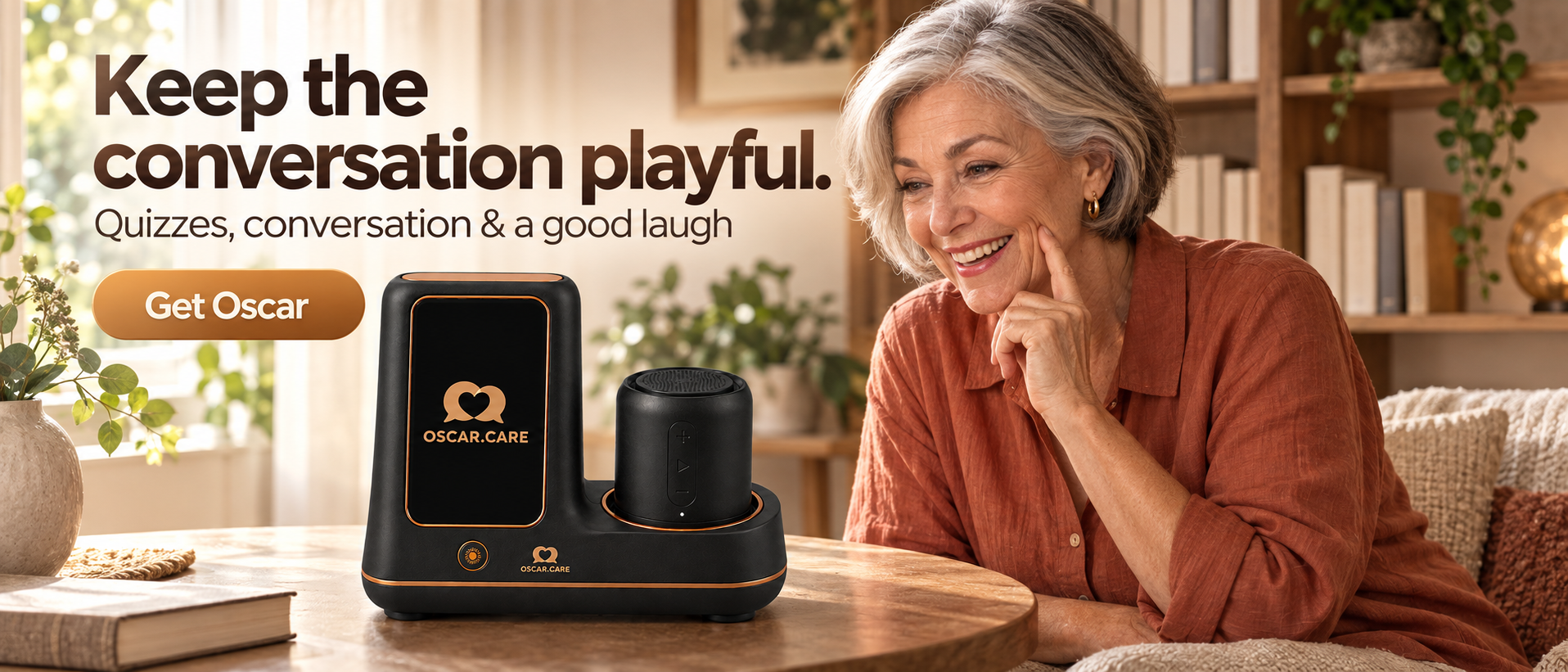
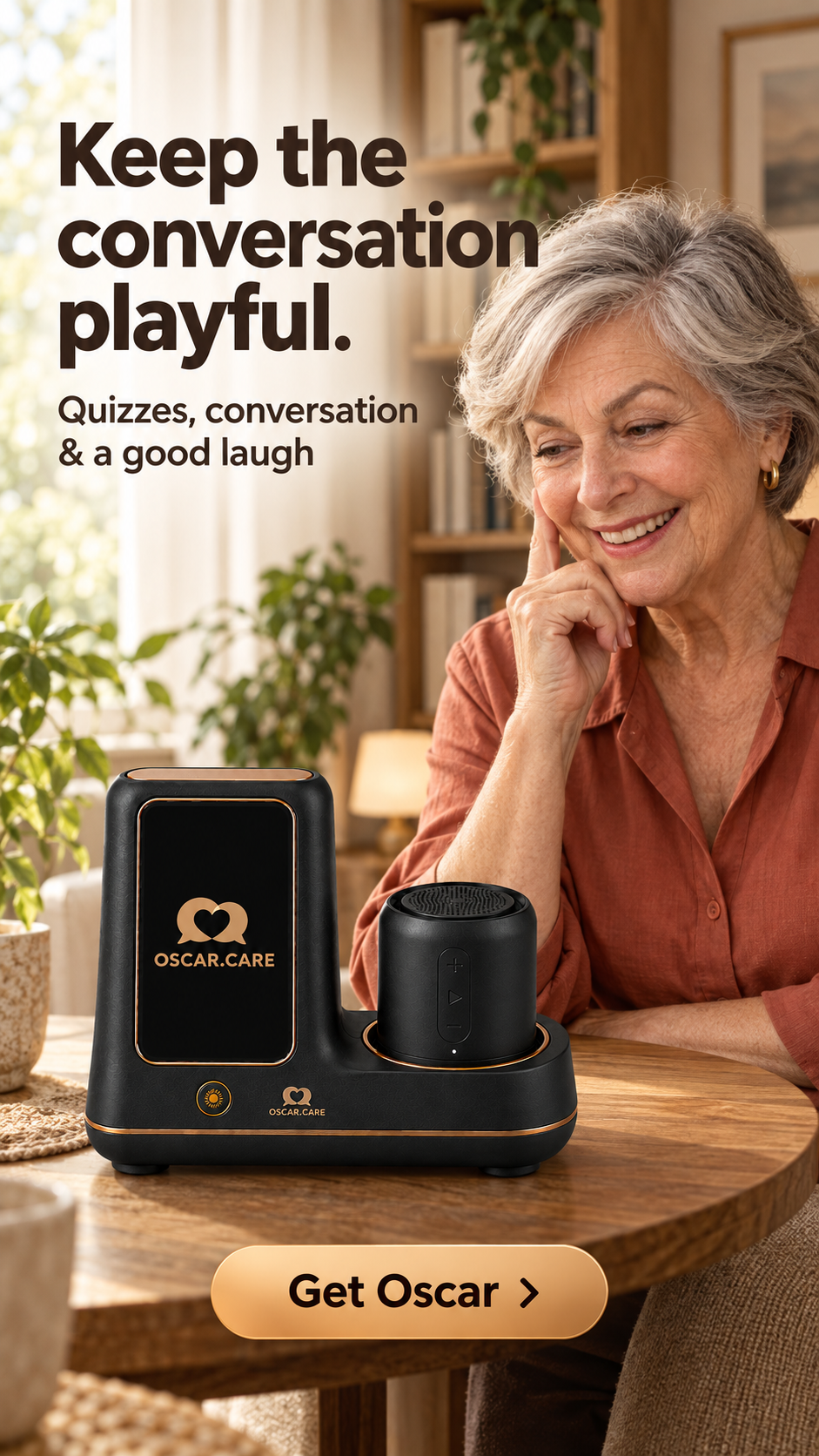
Quizzes and conversation that keep the mind curious. A capital city, an old song title, a good laugh at a wrong answer.
Evening
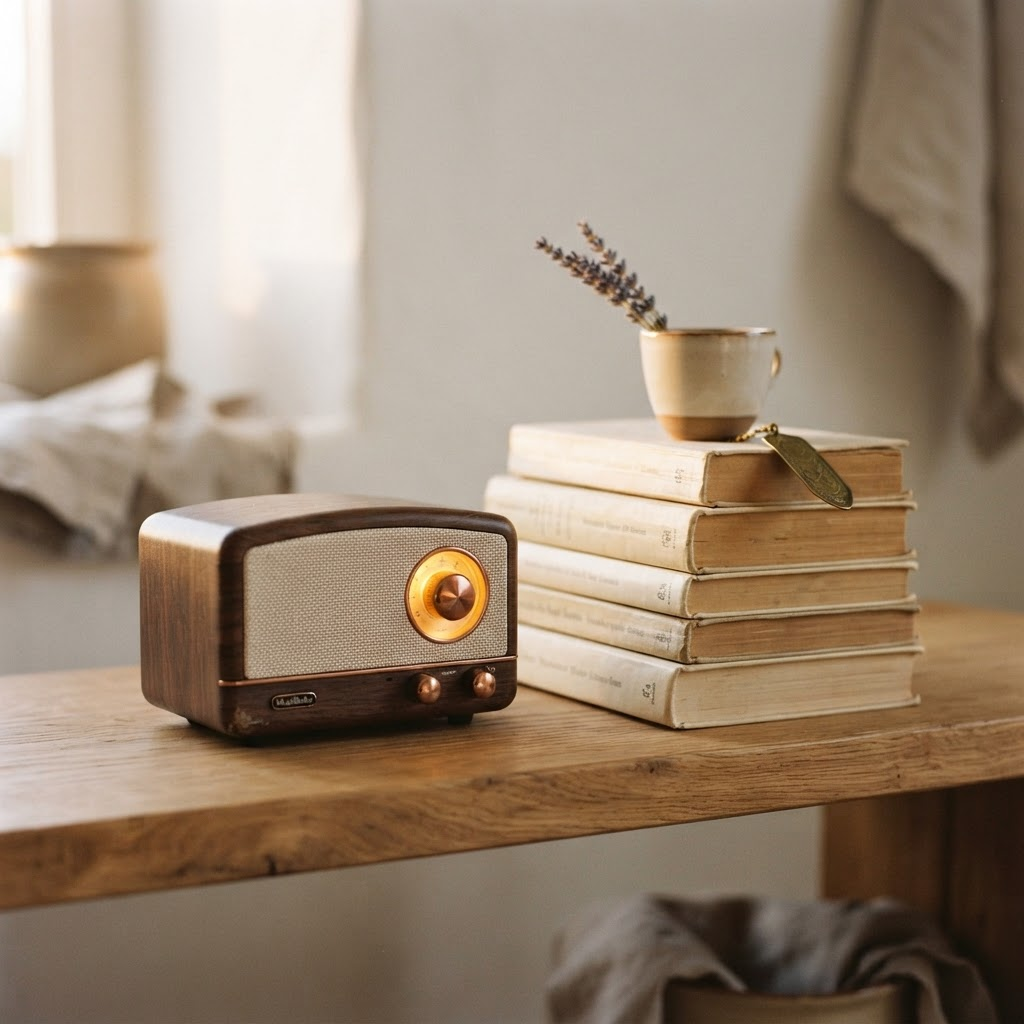
Favorite songs on request — and endless time to listen to yours. The stories worth keeping, Oscar keeps.

Goodnight
Oscar settles in for the night. Always nearby, always quiet until morning.
Speaks your language
Oscar talks naturally in every official EU language, plus English and Turkish — so conversation always feels like home.
Oscar switches language the moment you do — just start talking.
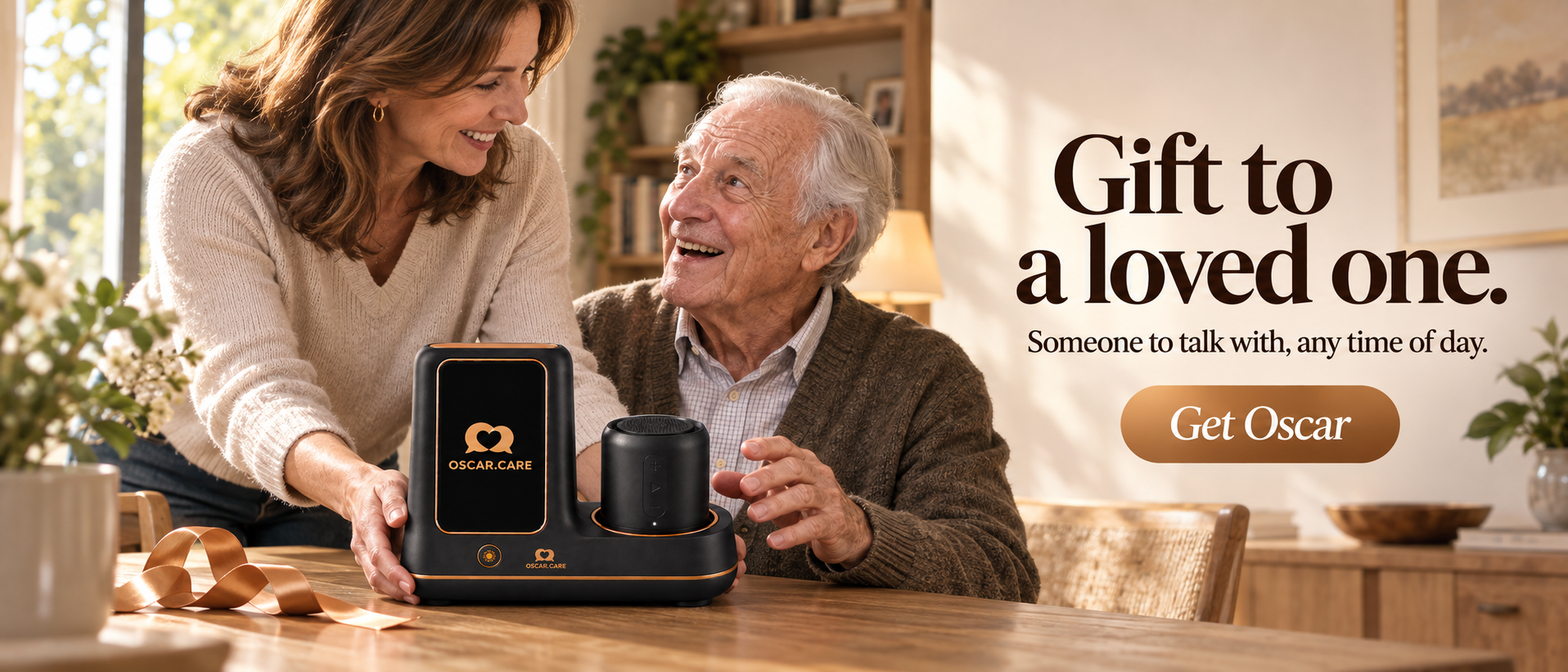
For families
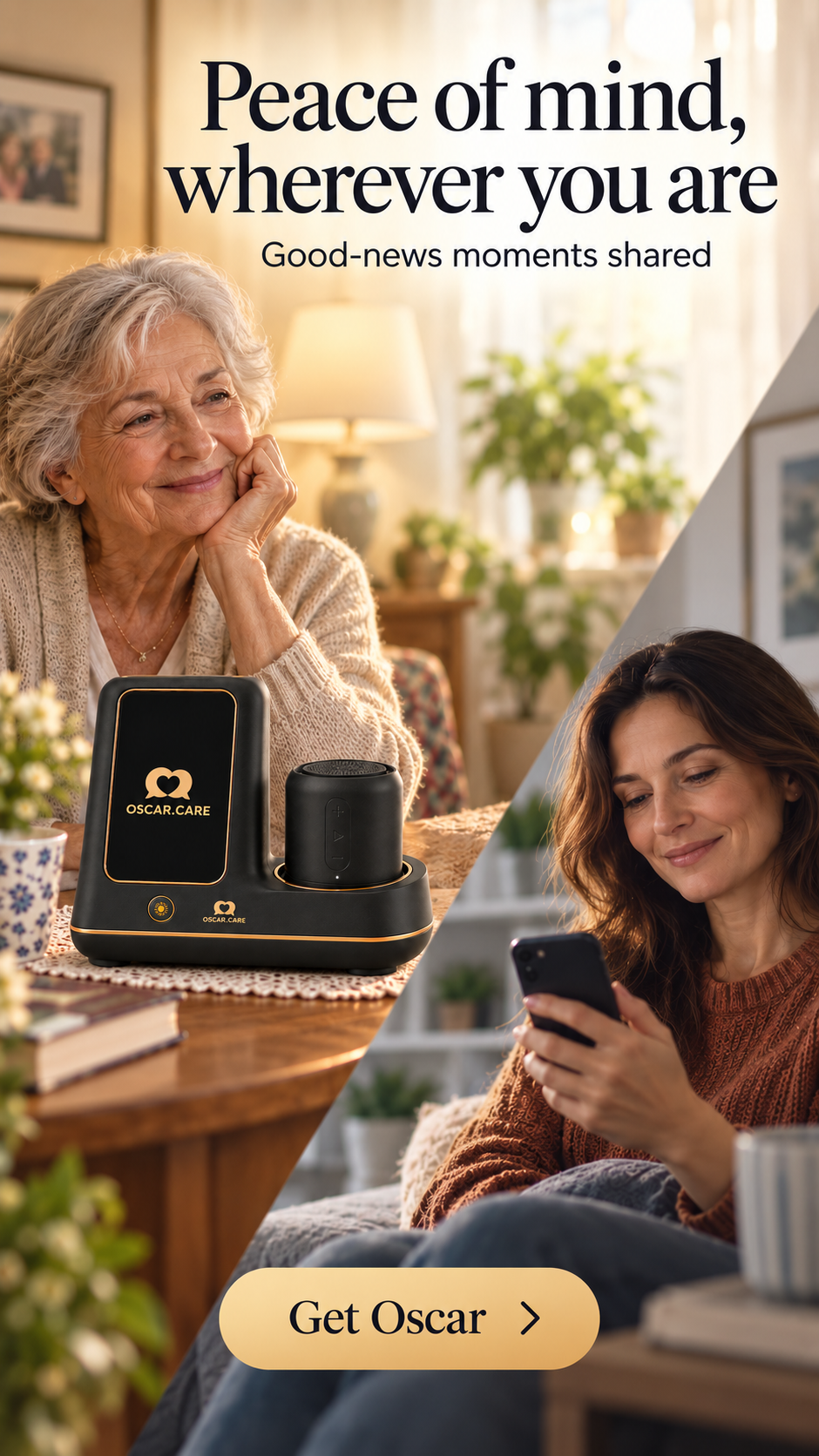
Oscar shares the good moments with the family through the companion app — a warm note when mum had a lovely day. And in the moments that matter most, Oscar notifies chosen family members immediately, so help and family are only ever moments away.
The companion app speaks in the same quiet icon language as Oscar.
30 seconds, from the family's side of the story.
In the moments that matter, up to three chosen family members are notified within moments — no need to check in constantly to know everything is fine.
A short, warm note lands in the app whenever the day was a lovely one — a quiet way to stay close without having to ask.
The family sees good-news moments and alerts, never full conversations. What is said to Oscar stays between Oscar and the person speaking.
Stories
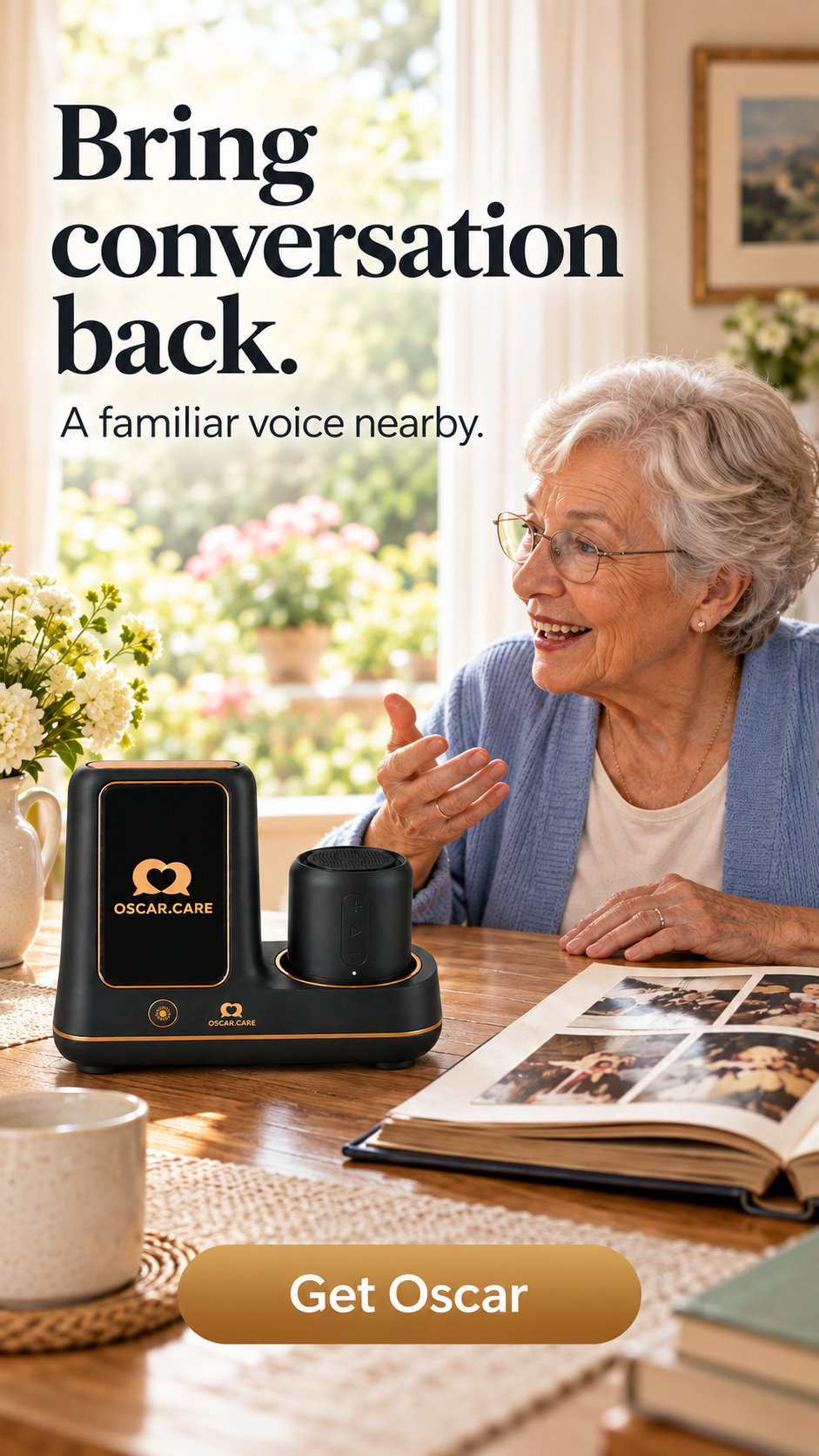
At home, Oscar settles into the everyday — the radio, the armchair, a familiar voice nearby.
And when days have grown quiet, Oscar helps joy — and people — find their way back.
What families are saying
"He always has time for my stories."
Margarethe, 78
"I stopped worrying about my pills."
Heinz, 84
"Mum sounds like herself again."
Clara, 51

Get Oscar
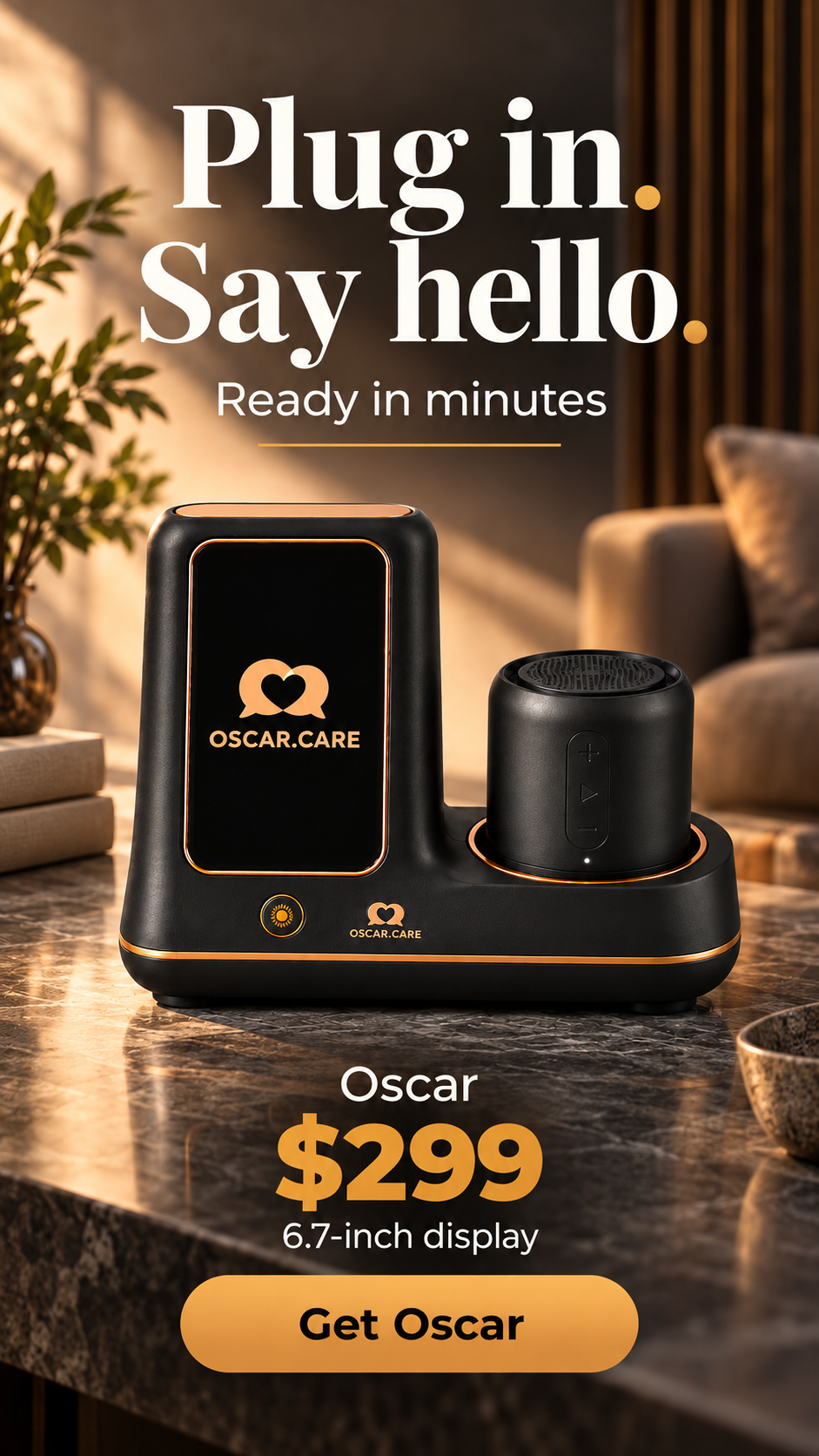
Oscar — 6.7″
Oscar XL — 10.2″
Same voice, same companion — the XL simply gives the display and the sound more room to work with.
6.7-inch display
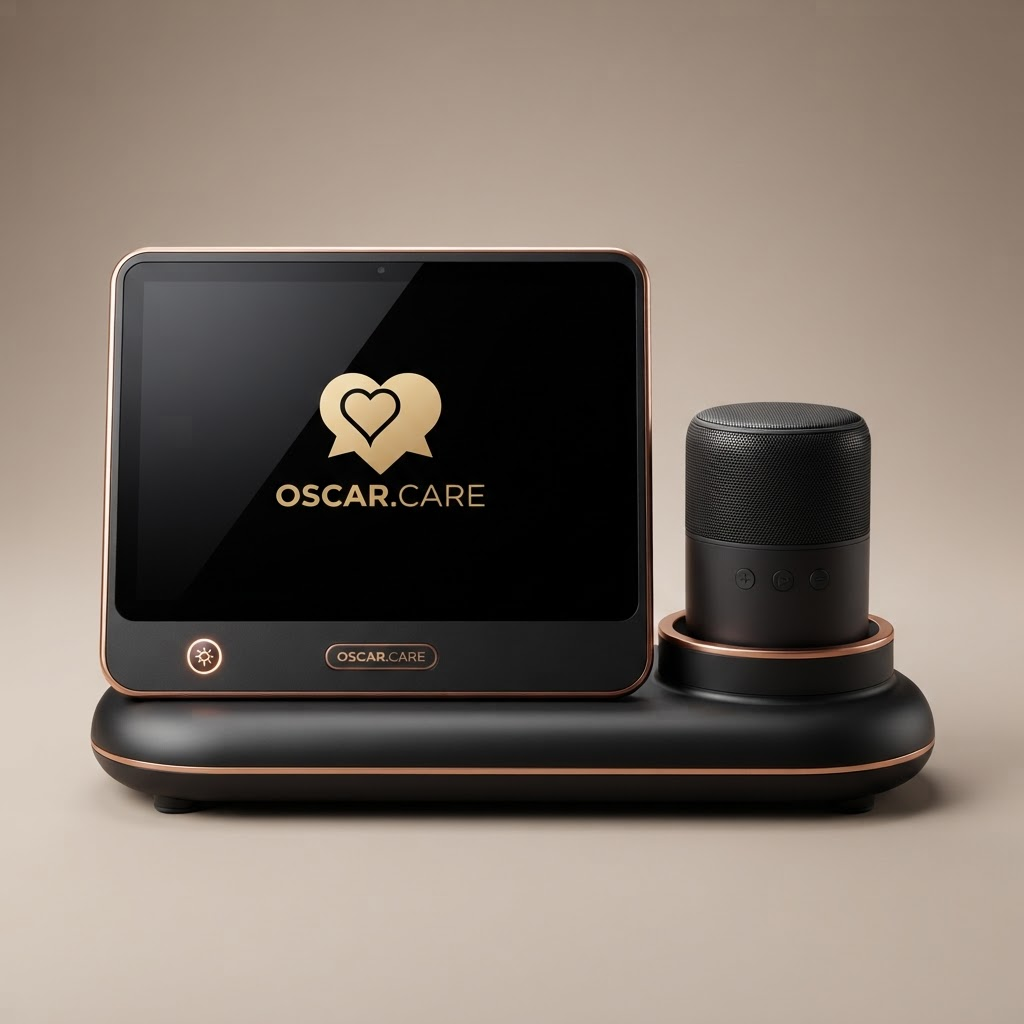
10.2-inch display
A larger screen for easier visibility, fuller sound, and simpler navigation of on-device games and content.
No. Oscar works entirely by voice. Plug it in, say hello, and that is all there is to it — no phone, no apps, no accounts to manage.
Oscar speaks every official language of the European Union, plus English and Turkish — 25 languages in total. Simply speak naturally, and Oscar responds in the same language, no settings to change.
Up to three chosen family members can follow along in the companion app. When something needs attention, they are notified within moments — and on good days, a short warm note lets them know all is well.
Conversations are encrypted in transit and only kept as long as needed to make Oscar helpful — never sold, never shared with advertisers. Family members see good-news moments and alerts, never full conversations.
Yes. Every Oscar comes with a 30-day trial at home. If it is not the right fit, return it within that window for a full refund — we cover the return shipping.